

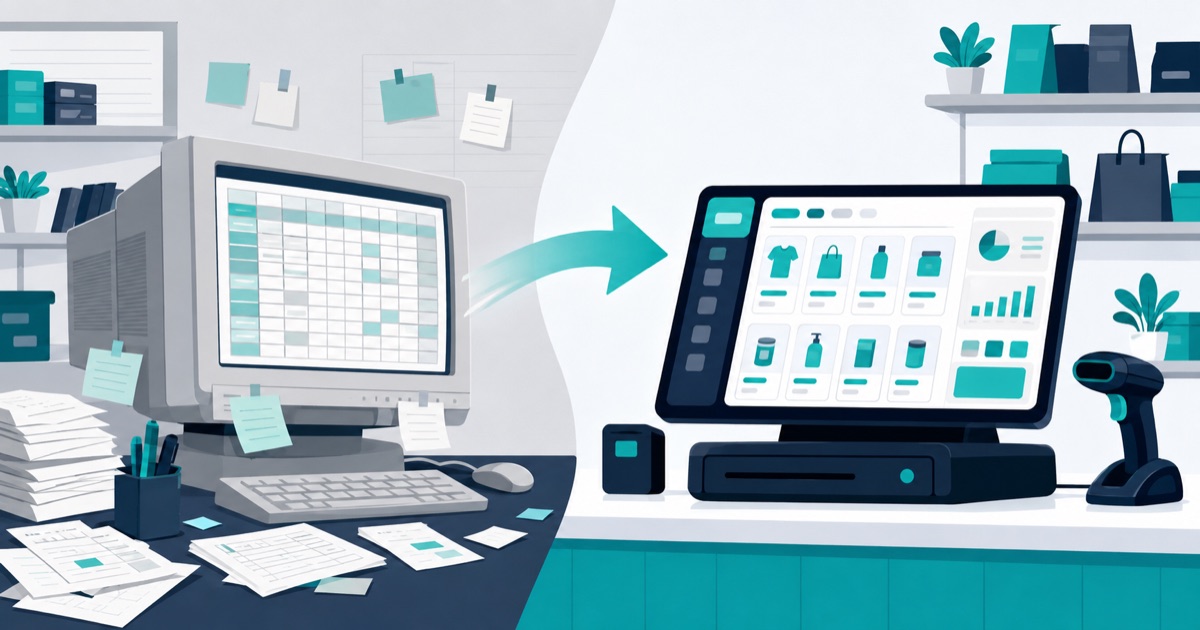
Excel vs POS Software for Inventory: When to Switch
Excel is a perfectly good inventory tool for a very small shop — it's free, flexible, and fine for tracking under roughly 50 products with one person updating it. It breaks down when sales need to reduce stock in real time, when multiple people edit the sheet, or when you need barcodes and an audit trail. If you are spending evenings reconciling the spreadsheet against the shelf, that is the signal to switch to POS software with built-in inventory.
What Excel Does Well
Let's be fair to the spreadsheet first:
- Free and universal. No subscription, and almost everyone knows the basics.
- Totally flexible. Any column you want, any formula you can write, any layout that suits your brain.
- Fine at small scale. Under ~50 products, one location, one person updating it — a weekly count typed into a sheet genuinely works.
- Great for one-off analysis. Even shops on full POS systems still export data to spreadsheets for ad-hoc analysis.
If that describes your shop and the sheet isn't causing pain, you don't have to switch today.
Where Excel Breaks Down
No Real-Time Stock on Sales
This is the fundamental flaw: Excel does not know when you sell something. Every sale must be manually subtracted from the sheet — later, from memory or from receipts. In practice, updates happen in batches, which means your "stock on hand" is wrong for most of every day. Decisions about reordering get made on stale numbers.
No Barcode Flow
In a POS, scanning a barcode at checkout rings up the item and decrements its stock in one motion. Excel has no equivalent — a barcode scanner can type a code into a cell, but nothing updates quantities, prices a sale, or prints a receipt.
Multi-Person Editing Chaos
Two staff members updating one workbook leads to overwritten cells, conflicting copies ("inventory_final_v3_REAL.xlsx"), and broken formulas nobody notices for weeks. Shared online sheets help with conflicts but not with accountability.
No Audit Trail
When Excel says 12 units and the shelf says 7, you have no way to find out why. A cell edit leaves no record of who changed it, when, or what the previous value was. Inventory software records every stock movement — sale, purchase, adjustment — with a timestamp and a user, so discrepancies can be traced instead of shrugged at.
Excel vs POS Inventory at a Glance
| Capability | Excel | POS with inventory |
|---|---|---|
| Cost | Free | Free to ~$10+/mo (e.g. SwiftKhata) |
| Stock updates on sale | Manual, delayed | Automatic at checkout |
| Barcode scanning | No real flow | Scan to sell, stock adjusts |
| Multiple users | Conflicts and copies | Staff roles and permissions |
| Audit trail | None | Every stock movement logged |
| Purchase orders & suppliers | Manual tracking | Built in |
| Profit & loss | Build it yourself | Generated from real sales data |
Signs It's Time to Switch
- Your spreadsheet stock count regularly disagrees with what's on the shelf
- You spend an evening or more each week updating and reconciling the sheet
- You've run out of a best-seller because the sheet said you still had some
- More than one person needs to update inventory
- You want barcode checkout, printed receipts, or supplier purchase orders
- You can't answer "what was my profit last month?" without building it by hand
Two or more of these means the spreadsheet is now costing you more than software would.
How Switching Actually Works
Migrating is smaller than it sounds, because your Excel sheet already holds the product list you will enter:
- Step 1 — Clean the sheet. One row per product: name, price, cost, current quantity, barcode if you have one.
- Step 2 — Run in parallel briefly. For the first week or two, sell through the POS while keeping the old sheet as a fallback. Compare counts at week's end — the POS numbers will be the accurate ones.
- Step 3 — Cut over. Retire the spreadsheet for day-to-day stock. Keep exporting from the POS whenever you want spreadsheet-style analysis.
With SwiftKhata, the same system that replaces your inventory sheet also gives you POS billing with thermal receipts, purchase orders, supplier management, expenses, a cash register, profit & loss reports, and a built-in customer credit (khata) ledger — running in the browser or as a Mac/Windows desktop app, in English or Urdu on the web (the desktop app is in English).
Frequently Asked Questions
Is Excel good enough for inventory management?
Yes, at small scale: roughly under 50 products, one location, and one person updating it. Beyond that, delayed stock updates, editing conflicts, and the lack of an audit trail make it unreliable.
What can POS software do that Excel can't?
Update stock automatically the moment an item is sold, support barcode-scan checkout with receipts, log every stock movement with an audit trail, manage purchase orders and suppliers, and generate profit & loss reports from real sales data.
Can I import my Excel inventory into a POS?
Some POS systems can import a CSV. SwiftKhata cannot — you add products yourself, and a cleaned sheet with name, price, cost, quantity and barcode makes that quicker.
How long does switching from Excel to a POS take?
For a small shop, the time to clean the sheet and enter the product list depends on how many products you carry, plus a week or two of running both systems in parallel before retiring the spreadsheet.
Ready to Retire the Spreadsheet?
SwiftKhata replaces your inventory sheet with real-time stock that updates at checkout, plus billing, khata, and reports in one place. The free plan includes every feature, and Pro is just $10/month — with your first month completely free, no credit card required. Add your products and start free.