Best POS System for a Small Grocery Store (2026 Guide)
The best POS system for a small grocery store is one that rings up barcode sales in seconds, warns you before shelves run empty, tracks what you owe suppliers and what regular customers owe you, and shows real profit on thin margins. You do not need an expensive enterprise suite — you need speed at the counter and accurate stock behind it. This guide covers what actually matters, what to ignore, and how a tool like SwiftKhata fits.
What a Grocery Store Actually Needs from a POS
Fast barcode checkout
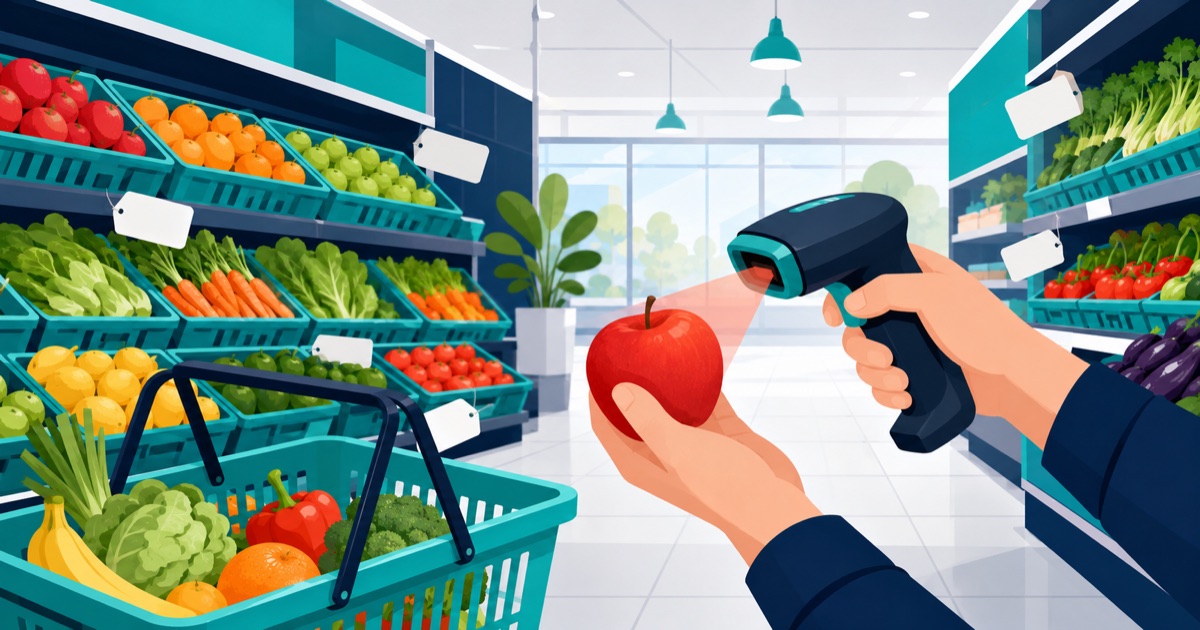
Grocery baskets are large and margins are small, so checkout speed is everything. Your POS should scan a barcode, add the item, and move on without lag or extra clicks. Thermal receipt printing should be instant, because a queue of five customers waiting on a slow printer is a queue you will eventually lose. SwiftKhata's point-of-sale billing is built around barcode scanning and thermal receipts, so the cashier's job stays simple: scan, collect, print, next customer.
Low-stock alerts and real inventory
A grocery store lives and dies on availability. If cooking oil or sugar is out of stock, customers do not wait — they walk to the shop next door. A good POS deducts stock with every sale and surfaces low-stock items before they hit zero. Every stock movement — sales, purchases, adjustments, wastage — should be recorded, so the number on screen matches the number on the shelf. See how stock management works in SwiftKhata.
Supplier purchase orders
Reordering from a notebook or memory leads to over-buying slow items and under-buying fast ones. Purchase orders tie your restocking to actual sales data: you see what sold, raise a PO against a supplier, receive stock in, and your inventory and purchase history update together. Keeping supplier records inside the same system also means you always know who supplied what, at what cost, and when.
Profit tracking on thin margins
Grocery margins are often in single digits, so small pricing or costing mistakes quietly eat your profit. Your POS should track cost price against selling price and roll everything up into a profit and loss report — including expenses like rent, electricity, and staff wages. SwiftKhata combines expense tracking, a cash register, and P&L reports so you see actual profit, not just sales totals.
Customer credit for regulars
Most neighbourhood grocery stores extend credit (udhaar) to trusted regulars. If that ledger lives in a paper khata, balances get disputed and forgotten. A built-in khata credit ledger records credit sales and repayments against each customer automatically at the point of sale, so every balance is written down and recoverable.
What You Can Safely Ignore
Do not pay for complexity you will never use. Restaurant-style table management, appointment booking, complicated loyalty engines, and heavy CRM features add cost and training time without helping a grocery counter. Focus your budget on checkout speed, inventory accuracy, and reporting — the three things that directly protect your margin.
How to Evaluate a Grocery POS: Checklist
- Scans barcodes and prints thermal receipts without delays
- Deducts stock on every sale and shows low-stock items clearly
- Supports purchase orders and supplier records
- Tracks cost price, expenses, and produces a profit & loss report
- Has a built-in customer credit (khata) ledger
- Handles staff roles so cashiers see only what they need
- Works in the language your staff is comfortable with
- Lets you start free and upgrade only when you outgrow the limits
Feature-by-Feature: Why It Matters for Grocery
| Feature | Why it matters for a grocery store |
|---|---|
| Barcode billing + thermal receipts | Large baskets checked out in seconds; shorter queues at peak hours |
| Low-stock alerts | Fast-moving essentials get reordered before shelves go empty |
| Purchase orders & suppliers | Restocking driven by sales data, with full purchase history per supplier |
| Expenses + P&L reports | Thin margins demand knowing true profit, not just daily sales |
| Khata credit ledger | Regulars' udhaar balances tracked automatically, no paper disputes |
| Staff roles & attendance | Cashiers get limited access; attendance and payroll stay in one place |
Where SwiftKhata Fits
SwiftKhata is a POS, inventory, and accounting system built for small retail businesses. For grocery stores it covers barcode billing with thermal receipts, stock tracking with movements and purchase orders, supplier management, a built-in khata credit ledger, expenses, a cash register, profit & loss reports, and staff roles with attendance and payroll. It runs in the browser, with desktop apps for Mac and Windows; the web interface is available in both English and Urdu, and the desktop apps are in English. If you later open a second branch, multi-location support is built in. The free plan includes every feature with monthly limits (10 orders per month, 1 location, 1 staff member, khata for up to 5 customers, 3 suppliers and 3 purchase orders a month), and the Pro plan is $10 USD per month with everything unlimited.
Frequently Asked Questions
What is the best POS system for a small grocery store?
The best grocery POS is one with fast barcode checkout, automatic stock deduction with low-stock alerts, supplier purchase orders, profit & loss reporting, and a customer credit ledger. SwiftKhata includes all of these in one system, with a free plan to start.
Do I need special hardware to use a grocery POS?
SwiftKhata works with standard barcode scanners and thermal receipt printers. It runs in a web browser, and desktop apps are available for Mac and Windows.
Can a POS track credit (udhaar) given to regular customers?
Yes. SwiftKhata has a built-in khata credit ledger that records credit sales and repayments per customer, so every balance is tracked automatically instead of in a paper notebook.
How much does a grocery POS cost?
SwiftKhata has a free plan with all features and monthly limits, and a Pro plan at $10 USD per month with unlimited usage. The first month is a full free trial with no credit card required.
Try It on Your Own Counter
The only real test of a grocery POS is your own checkout queue. Create a free SwiftKhata account and run it at your counter — the first month is a full free trial with every feature unlocked and no credit card required.